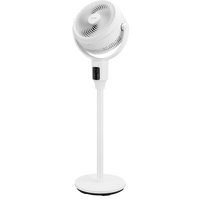
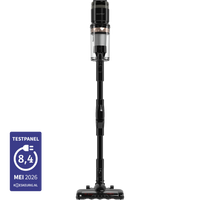
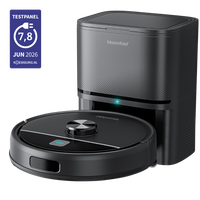
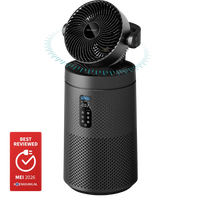
Bundle & Save; 10% discount
Healthy air. Clean floors. Without effort.
Up to 40% summer discount on the entire range

360+ reviews | 25k+ happy customers
360+ reviews | 25k+ happy customers
360+ reviews | 25k+ happy customers
Discover our award-winning technology for a healthy living environment.
 Excellent reviews | 25,000+ satisfied customers
Journal
Expertise for an optimised living environment.

Choosing a robot vacuum: Drift or Sweep, which one suits your home?
In short The Drift navigates with LiDAR and has a self-emptying station, ideal for larger homes and less manual maintenance. At 7.3 centimeters, the Sweep is low enough for most sofas and cabinets...
 Sep 28, 2026

Self-emptying station for your robot vacuum: is it necessary or not?
In brief A self-emptying station automatically empties the robot's dustbin, so you don't have to do it manually after every cleaning session. The biggest benefits are saving time and having less c...
Sep 26, 2026

Robot vacuum cleaner maintenance: clean reservoir and brush
In brief Regular maintenance keeps your robot vacuum performing at its best and extends the device's lifespan. It is best to empty the Sweep's bin after every cleaning session, or keep an eye on h...
Sep 24, 2026

Robot vacuum cleaner and pets: hair without getting tangled
In brief An ordinary vacuum brush with bristles acts like a magnet for pet hair, which wraps around it until the brush gets stuck. An anti-tangle brush, like the ones fitted to both the Drift and ...
Sep 21, 2026

Mopping function of robot vacuum cleaners: what can it and can’t do?
In brief The mopping function is intended for light, regular maintenance on hard floors, not deep cleaning. It handles dust, fresh stains, and light footprints well, but usually does not fully rem...
Sep 19, 2026

Robot vacuum won't connect to Wi-Fi: how to fix it (and does it also work without the app?)
In brief The most common cause is that your robot vacuum is trying to connect to a 5GHz network, while it only supports 2.4GHz. Set up a separate 2.4GHz network (or split your Wi-Fi band), turn on...
Sep 17, 2026